
🖼️ Image Detection and Classification with YOLOv11
📌 Description
This project consists of two main programs:
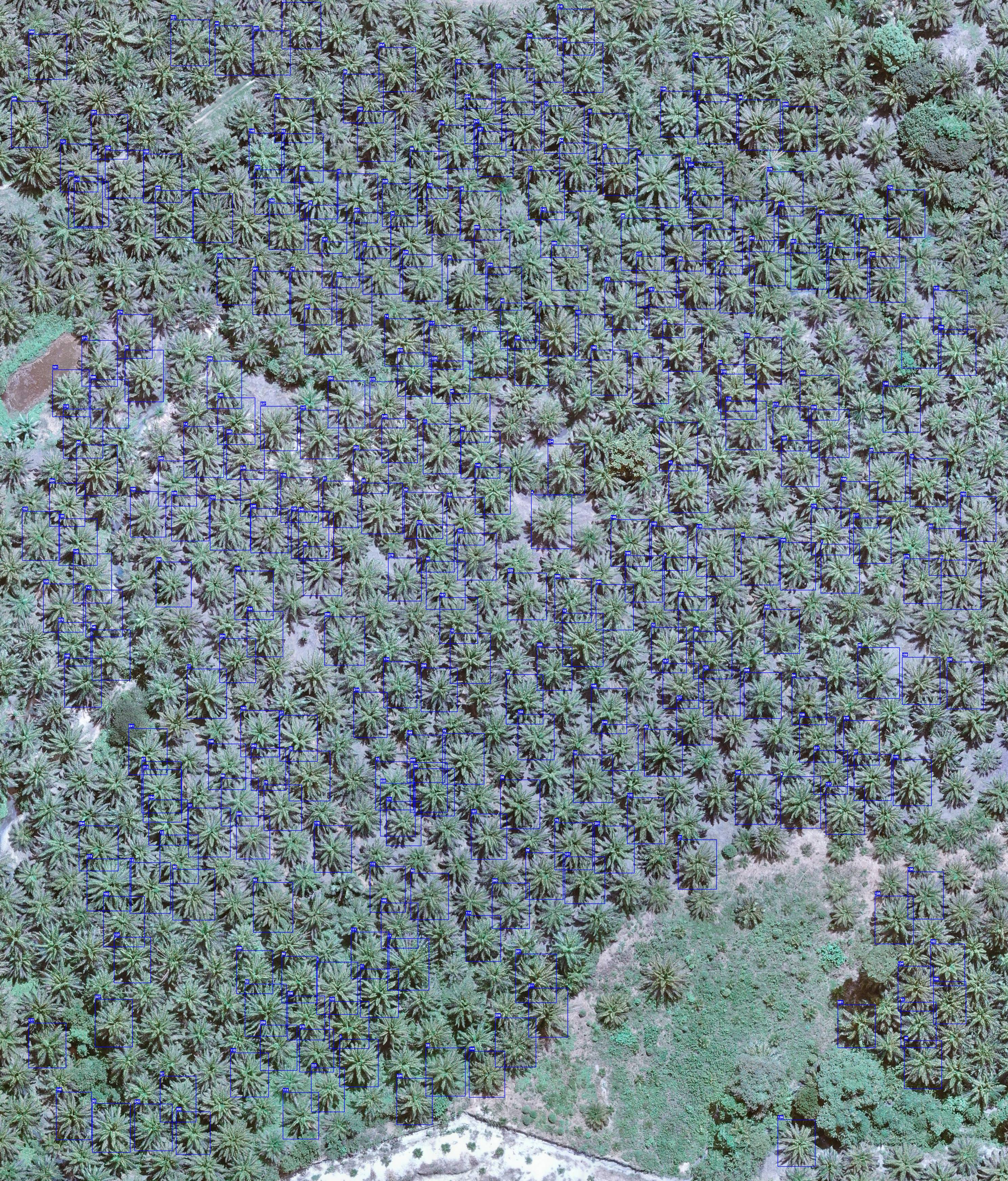
- Count: Detects oil palm trees and draws sequential bounding boxes on each tree.
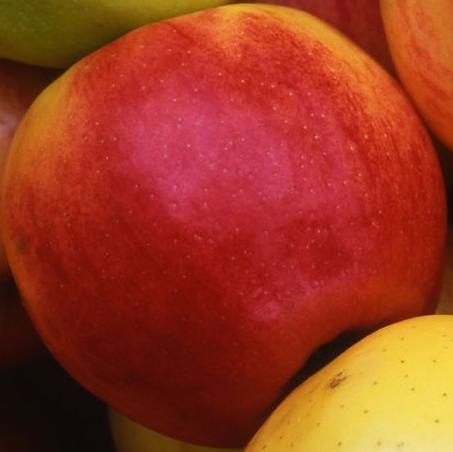
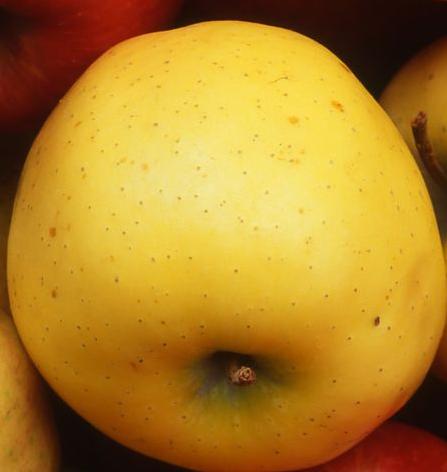
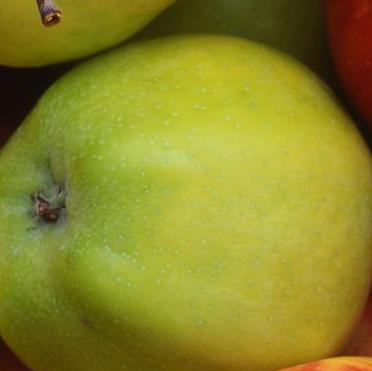
- Classify: Detects apples and classifies them into red, yellow, or green categories, then crops and saves each as separate images.
⚙️ Features
✅ Count Program
- Detects oil palm trees.
- Draws bounding boxes labeled with sequential numbers.
- Outputs a single image with all trees detected and numbered.
✅ Classify Program
- Detects apples by color (red, yellow, green).
- Crops each apple and saves it as a separate image.
- Outputs images like:
red_1.jpg,yellow_1.jpg, etc.
📂 Requirements
- Python 3.11+
- YOLOv11
- OpenCV
- Roboflow dataset
🧪 Dataset
🧠 Training
Training is done via Jupyter notebooks provided in the repo:
Count.ipynbfor palm detectionClassify.ipynbfor apple classification
🚀 Usage
Count Program
You can run a prediction to detect palm trees and generate an image where each tree is boxed and labeled with a number.
Output Example:
Classify Program
This program identifies apples by their color, crops each one, and saves them as individual images in a folder.
Output Examples:
| 🍎 Red Apple | 🍋 Yellow Apple | 🍏 Green Apple |
|---|---|---|
 |  |  |
📎 Summary
This project uses YOLOv11 to detect and classify palm trees and apples, providing accurate image annotations and color-based apple cropping for further analysis or dataset generation.